
Built on infrastructure from




Everything a review needs,
nothing it doesn’t
Professional tools built for B2B workflows, compliance, and calm collaboration.
PDF & image annotations
Mark up documents with precision — drawings, highlights, sticky notes, and text. Every change is tracked to the page.
Threaded comments
Start contextual discussions, reply in line, and resolve threads as issues get addressed. A full audit trail comes standard.
Team collaboration
Invite reviewers with granular, role-based permissions.
Secure & compliant
Enterprise-grade access control and complete activity logging.
Review rounds
Submit, revise, and resubmit with full version history.
Progress tracking at a glance
Real-time dashboards surface review status, pending actions, and resolution progress — so nothing slips between the rounds.
From upload to sign-off in three steps
Get a review running in minutes.
Upload & organize
Create collections, add your PDFs and images, and set due dates. Pull files from your device, Dropbox, or Google Drive.
Configure reviewers
Add reviewer emails, set response deadlines, and choose feedback preferences like comment type and download permissions.
Capture & filter
Track responses within your timeframe and filter feedback by document, page, reviewer, or date.
Loved by people who review for a living
Trusted by freelancers and professionals worldwide.
GoSubmit completely transformed how I handle client feedback. No more digging through emails — everything is in one place, organized and trackable.
Sophie Bennett
Content Writer
As an architect managing multiple projects, GoSubmit keeps every review streamlined. The progress tracking alone saves me hours each week.
Michael Snow
Architect
Review rounds are a game-changer for legal workflows. I can track every comment and be sure nothing is missed during compliance reviews.
Sarah Mitchell
Legal Counsel
One workspace, many crafts
See how different professionals use GoSubmit to streamline their workflows.
Mia Taylor
Marketing Consultant
Streamlines client feedback loops and keeps communication clear from brief to final deliverable.
Mark Johnson
Architect
Manages project documents with client collaboration and status tracking across every phase.
Olivia Mitchell
Social Media Manager
Runs content review from a single hub, collaborating with clients and tracking campaigns in one place.
Simple, transparent pricing
Start free and upgrade as you grow.
Basic
Perfect for getting started
- 1 Project
- 10 MB Storage
- PDF & Image Comments
- Email Support
Advanced
For growing professionals
- 10 Projects
- 500 MB Storage
- Advanced Filtering
- Reply-Only Mode
- Priority Support
Premium
Enterprise solution for large teams
- Unlimited Projects
- Custom Storage
- Bulk Upload
- Export to Excel
- Dedicated Support
Latest articles
Tips, insights, and best practices for document management.
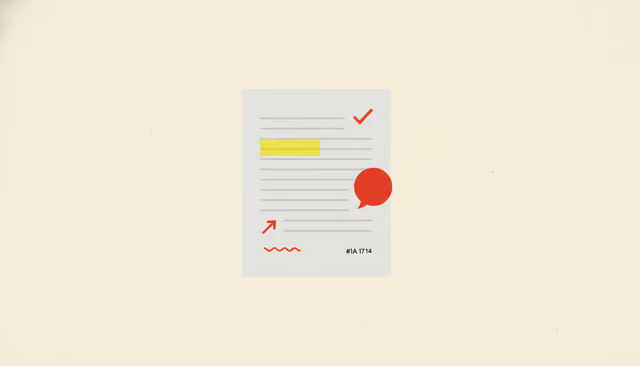
June 20, 2026
How to Annotate a PDF (and Make the Markup Actually Count)
Anyone can highlight a line or drop a sticky note. Here's how to annotate a PDF so your markup is anchored, specific, and actually actionable — and how teams collect everyone's marks without the chaos.
Read more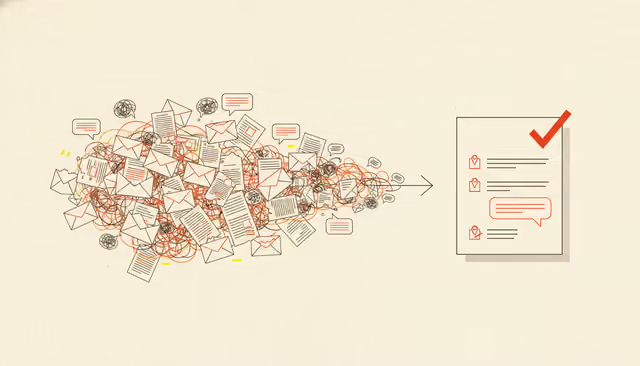
June 20, 2026
The PDF Review Revolution: Why Email Breaks Down — and What Actually Fixes It
Email-based PDF review doesn't fail because people are careless — it fails for reasons you can predict. Here's the mechanism behind the version chaos and lost comments, and how in-context review fixes the PDF review process.
Read more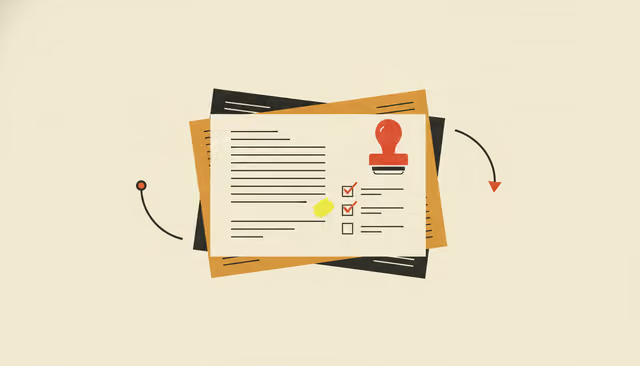
June 12, 2026
Transmittals, Explained: The Boring Document That Keeps Projects Honest
A transmittal is the unglamorous cover note that records what was sent, when, and to whom — and on a big project it's the line between a clean handoff and an expensive dispute. Here's how transmittals actually work.
Read more