How to Annotate a PDF (and Make the Markup Actually Count)
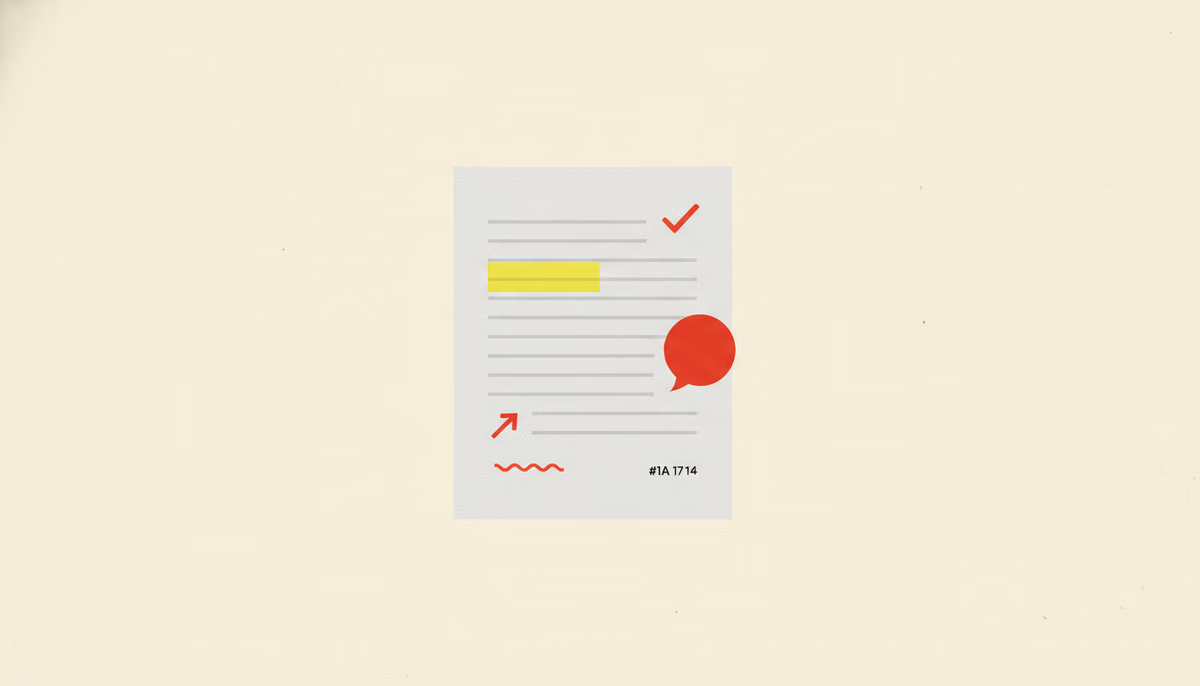
Annotating a PDF is easy. You can highlight a line, drop a sticky note, and scrawl an arrow in about five clicks. The hard part isn't making the marks — it's making them count. A markup nobody can act on is just digital graffiti, and a review full of those quietly sinks the project. So let's cover both halves: how to annotate a PDF, and how to do it so the feedback actually lands.
How to annotate a PDF, the five-minute version
You don't need Adobe Acrobat for any of this. macOS ships a free annotator — Preview — and any modern browser can mark up a PDF too. Whatever the tool, the core moves are the same five:
- Highlight or underline — flag the exact words in question.
- Sticky note or comment — attach a remark to a spot without changing the page.
- Text box — drop a correction or label directly onto the page.
- Drawing, arrows, and shapes — point at what words struggle to describe.
- Strikethrough — mark clearly what should go.
That's the whole mechanical skill, and it takes about five minutes to learn — which is exactly why it isn't the interesting part. The marks are trivial. Whether they actually help is another matter entirely.
What makes a markup actually useful
A useful annotation has three properties, and most bad ones are missing at least one. It's anchored (pinned to the exact spot, not floating in a margin), it's specific (it says what to change, not just that something's wrong), and it's resolvable (someone can mark it done). Miss 'anchored' and the reader plays hide-and-seek. Miss 'specific' and they guess. Miss 'resolvable' and the same note haunts every round.
| Instead of… | Do this | Why it works |
|---|---|---|
| "This is confusing" | Highlight the sentence and say what is unclear | The author sees where and what at once |
| A lone question mark | Write the actual question as a note | No reverse-engineering your intent |
| "Fix the image" | Arrow to the image with the specific change | Actionable on the first read |
| Re-marking a fixed point | Reply on the existing comment thread | Keeps the history and avoids loops |
The real problem: collecting everyone's marks
Annotating your own copy is the easy ninety percent. The painful ten percent is collecting five people's marked-up copies and reconciling them by hand — which is precisely where PDF review over email falls apart. Five versions, conflicting marks on the same line, and no idea which note is newest.
This is the gap a shared review tool closes. Instead of everyone defacing a private copy, they annotate one PDF in the browser, each comment anchored to its spot and threaded so replies stay attached. You resolve notes as they're handled, switch on reply-only mode for round two, and the version history records what changed. It's annotation built to be collected — see how a review runs for the full loop.
So yes, learn the five marks; they take five minutes. Then spend your energy on the part that matters: making each one anchored, specific, and resolvable, somewhere your whole team can see it. You can try GoSubmit free and annotate your next PDF where the feedback won't get lost.