Drowning in PDFs? How to Turn a Review Pile Into a System
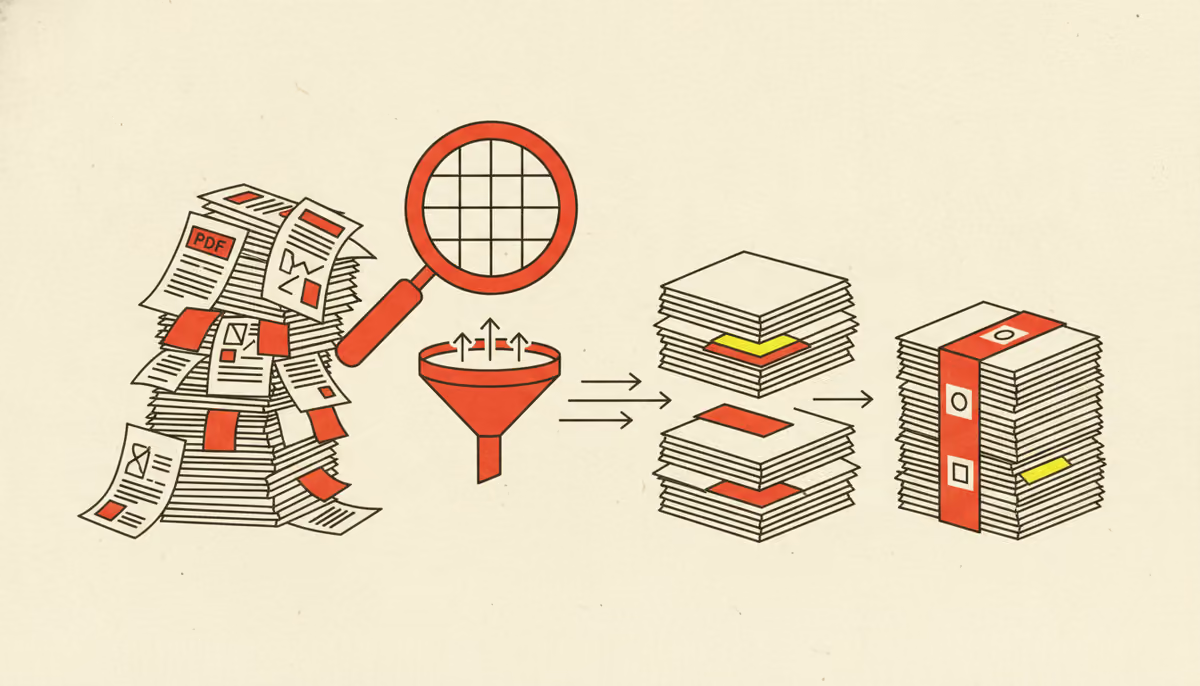
You don't notice the exact moment a review process breaks — there's no alarm. One week you're managing four PDFs. The next you're hunting through forty, plus the comments, plus three slightly different copies of each. The files didn't get harder to read; they got harder to track. That's the real problem with reviewing documents at scale, and the fix isn't 'try harder.'
It helps to know why PDFs sit at the center of this. PDF is the default for anything that has to look identical on every screen and printer — it's been an open ISO standard (ISO 32000) since 2008. That fidelity is exactly why it's awkward to collaborate on: a PDF is a sealed snapshot, not a workspace. So the feedback happens around it — in email, in chats, in side notes — and that's where it scatters.
How a pile forms
The growth is multiplicative, not additive. One document, five reviewers, two rounds isn't eight things to track — it's the document times the people times the rounds, plus every 'final' copy someone saved to be safe. Each resend spawns a near-duplicate, and within a week you can't tell which file is current or where the latest comment lives. The pile didn't appear; you bred it, one well-intentioned attachment at a time.
Here's the quick test for whether you've outgrown folders and email:
- You can't quickly find a comment someone made last week.
- Two people edited the same page and neither knew about the other.
- You're not completely sure which file is the latest version.
- You routinely re-ask reviewers whether they're done.
Turning the pile into a system
A system does three boring things a pile can't. It keeps one shared copy, so there's a single current version instead of five. It lets you upload and sort in bulk, so adding forty documents takes one step, not forty. And it makes feedback findable — filter by author, by content, or by status to land on the exact comment you need instead of scrolling five inboxes.
| Task | A folder of PDFs | A review system |
|---|---|---|
| Adding files | One upload at a time | Bulk upload and sort |
| Finding a comment | Scroll through inboxes | Filter by author, content, or status |
| The latest version | Guess from the filename | One shared source of truth |
| Knowing the status | Ask everyone | A dashboard at a glance |
Comments get the same treatment: instead of living in your memory, each one carries a status you can track and resolve, so nothing quietly slips. It's the difference between a drawer full of paper and an actual filing system — same documents, completely different odds of finding what you need. For how this pairs with tracking the whole project, see review and project management in one place.
If your reviews have outgrown the folder-and-inbox method, that's not a discipline problem — it's a tooling one, and tooling problems have tooling fixes. The plans that add bulk upload and advanced filtering exist for exactly this moment. You can try GoSubmit free and turn your next pile into a system.